

Huikee login: how to sign in to your account
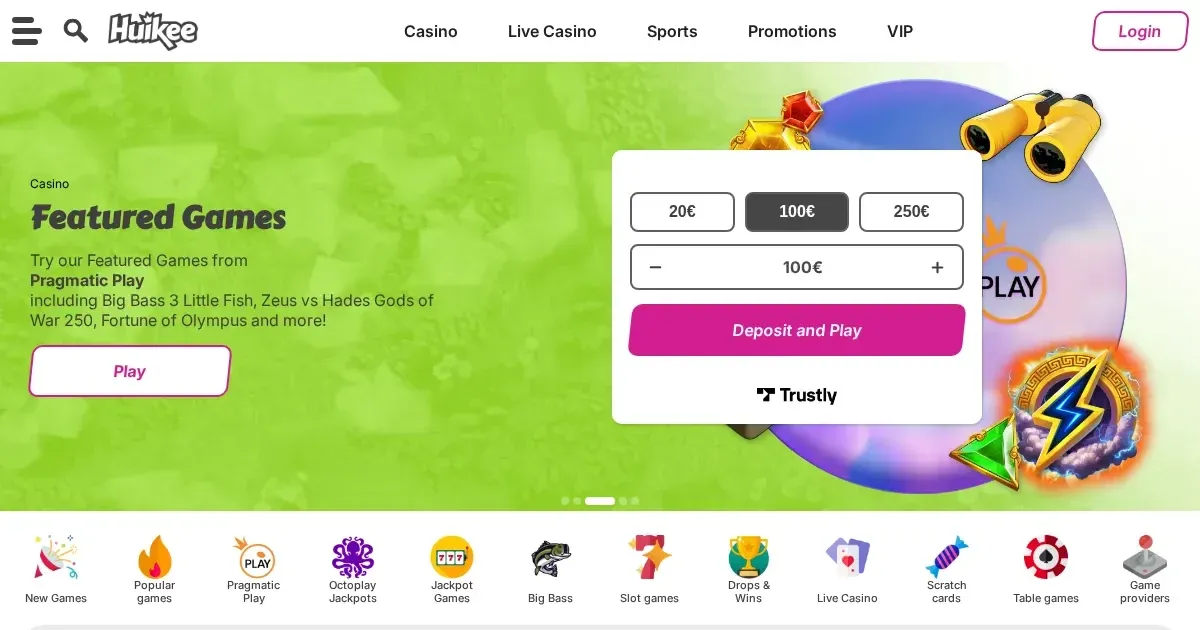















Your Huikee account lives at the operator's own site – only the operator can restore, unblock or verify it. This page walks you through the sign-in route, explains what goes wrong most often, and points you to the right support channel when you need help.
Reaching your account
Signing in to Huikee takes four steps:
- Open the operator's site in your browser.
- Find and click the sign-in button.
- Enter the email address and password you chose when you registered.
- Confirm and you're in.
Don't have an account yet? Registration happens at the operator's site too – look for the sign-up option on the same page.
Common failure causes
When sign-in refuses to work, the problem is usually one of these:
- Wrong credentials – double-check the email and password you're typing. A single wrong character is enough.
- Caps Lock – passwords are case-sensitive, and Caps Lock catches more people than you'd think.
- Unverified account – some operators ask you to click a link sent to your email before your first sign-in. Check your inbox and your spam folder.
- Browser session problem – clear your cache and cookies, then try again in a private window.
- Self-exclusion in force – if you've asked the operator to close your account for a set period, you won't be able to sign in until that period ends. If gambling has stopped feeling like fun, BeGambleAware.org offers free, confidential support.
The sign-in route on desktop and phone
The same account works on every device. On a phone, open the operator's site in your mobile browser – Safari, Chrome, Firefox, whichever you use – and follow the same steps as on desktop. The email and password are identical. Huikee runs in the browser, so there's no need to install anything.
Forgotten passwords
Click the password-reset link on the operator's sign-in page. You'll be asked for the email address you registered with, and the operator will send a reset link to that address. Follow the link, choose a new password, and you're back in.
If the email address you used at registration is no longer accessible – closed, forgotten, or you've lost access to it – contact the operator's support team directly. You'll need to prove your identity before they can help, so have your account details ready.
Verification holds
Huikee may ask you to verify your identity before you can withdraw. The operator carries out electronic age verification checks and may use third-party agencies to confirm your age, identity, address and payment details. Cumulative deposits of €2,000 trigger further verification, and the operator may ask for extra documents at any time.
Accounts inactive for 12 consecutive months – no deposit or betting activity – incur a maintenance fee of €5 per month. If you've self-excluded, your account stays closed for the period you chose, and there's no way around that. It's there to protect you.
Where support is
Account problems go to the operator, not to us. Huikee's customer support runs 24/7 via Live Chat and email. Before you write, have your registration email to hand, note when the problem started, and if you're seeing an error message on screen, write down exactly what it says – word for word helps support find the cause faster.
Keeping access safe
Sign in only at the operator's own address – type it yourself or use a bookmark. Never follow a link in an email or a message, even if it looks right. Use a password you don't use anywhere else, and if you're on a shared device, sign out when you're done. Good to know: if Huikee offers two-factor authentication, turn it on – it's the single best lock you can put on your account.
Gambling is entertainment, and it's only worth doing when it feels that way. You must be 18+ to hold an account. For free, confidential support with gambling, visit BeGambleAware.org or call the National Gambling Helpline on 0808 8020 133, available 24 hours a day.
This page is for information and marketing purposes only. We are not a casino operator, a bookmaker or an organiser of gambling. Access to this content is restricted to persons aged 18 and over (18+). We encourage you to gamble responsibly – for free, confidential support visit BeGambleAware.org.
Frequently asked questions
What do I need to sign in to Huikee?
You need the email address and password you chose when you registered. Open the operator's site, click the sign-in button, enter your credentials, and confirm.
I've forgotten my password – how do I get back in?
Click the password-reset link on the sign-in page. The operator will send a reset link to your registered email address. Follow it, choose a new password, and you're back in.
Can I sign in from my phone?
Yes. Open the operator's site in your mobile browser and sign in with the same email and password you use on desktop. Huikee runs in the browser, so there's nothing to install.
Why won't my account let me sign in?
Common causes include wrong credentials, Caps Lock being on, an unverified account, or a browser cache problem. If you've self-excluded, your account stays closed for the period you chose. Clear your cache or try a private window, and if that doesn't help, contact the operator's support team.
Game Providers